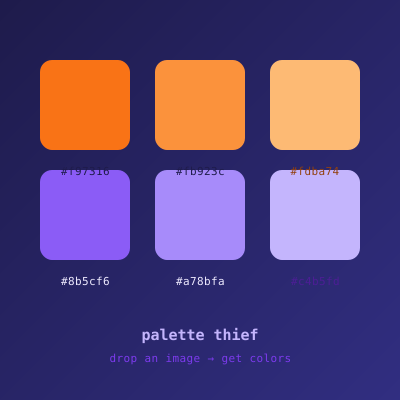
Drag and drop a photo, and the tool samples the most dominant colors using a median-cut algorithm, then outputs them as HEX, RGB, and HSL.
How it works
- Draw the image onto an offscreen canvas
- Read every pixel with
getImageData() - Run median-cut to find representative color buckets
- Sort by luminance for a pleasing swatch order
Snippet
function medianCut(pixels, depth = 4) {
  if (depth === 0 || pixels.length === 0) {
    return [average(pixels)];
  }
  const channel = widestChannel(pixels);
  pixels.sort((a, b) => a[channel] - b[channel]);
  const mid = Math.floor(pixels.length / 2);
  return [
    ...medianCut(pixels.slice(0, mid), depth - 1),
    ...medianCut(pixels.slice(mid), depth - 1),
  ];
}
Comments